OUT_OF_ENERGY on TRON means your transaction ran out of Energy before the smart contract finished. The limit was either the fee_limit attached to the transaction or the TRX and Energy the sending address actually held, whichever was lower. For a USDT transfer the usual fix takes a few minutes: get about 65,000 Energy onto the sending address (about 131,000 if the recipient has never held USDT), or enough TRX to burn instead, and send again. Your USDT did not move. The TRX burned by the failed attempt is gone.
Renting Energy is usually the cheapest retry; our comparison of TRON energy rental services lists current prices.
What OUT_OF_ENERGY means
TRON’s smart contract errors page defines it this way: the transaction “consumed all the Energy allowed by fee_limit (plus the deployer’s contribution, if any) before the call finished. Energy already spent is not refunded.”
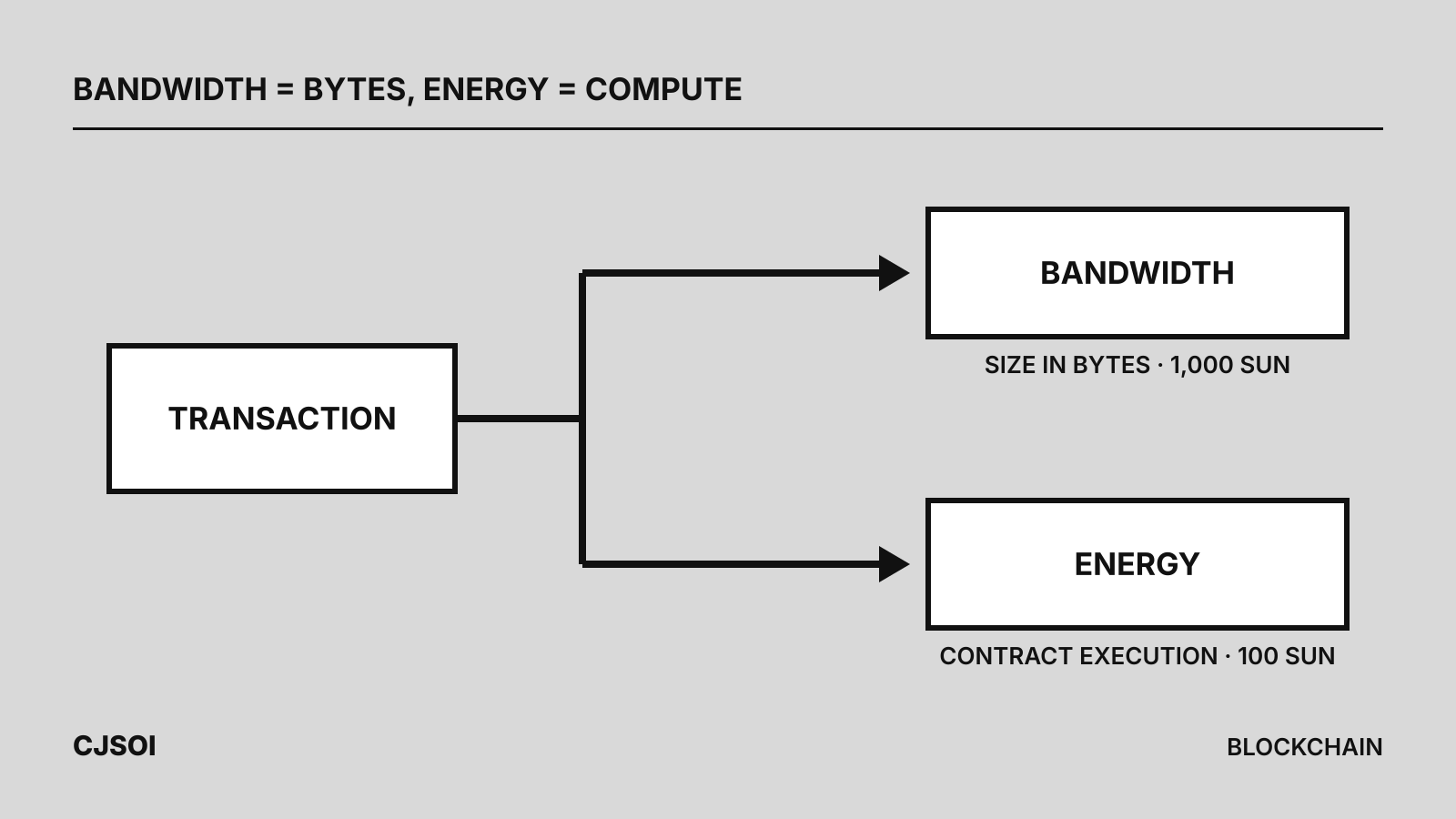
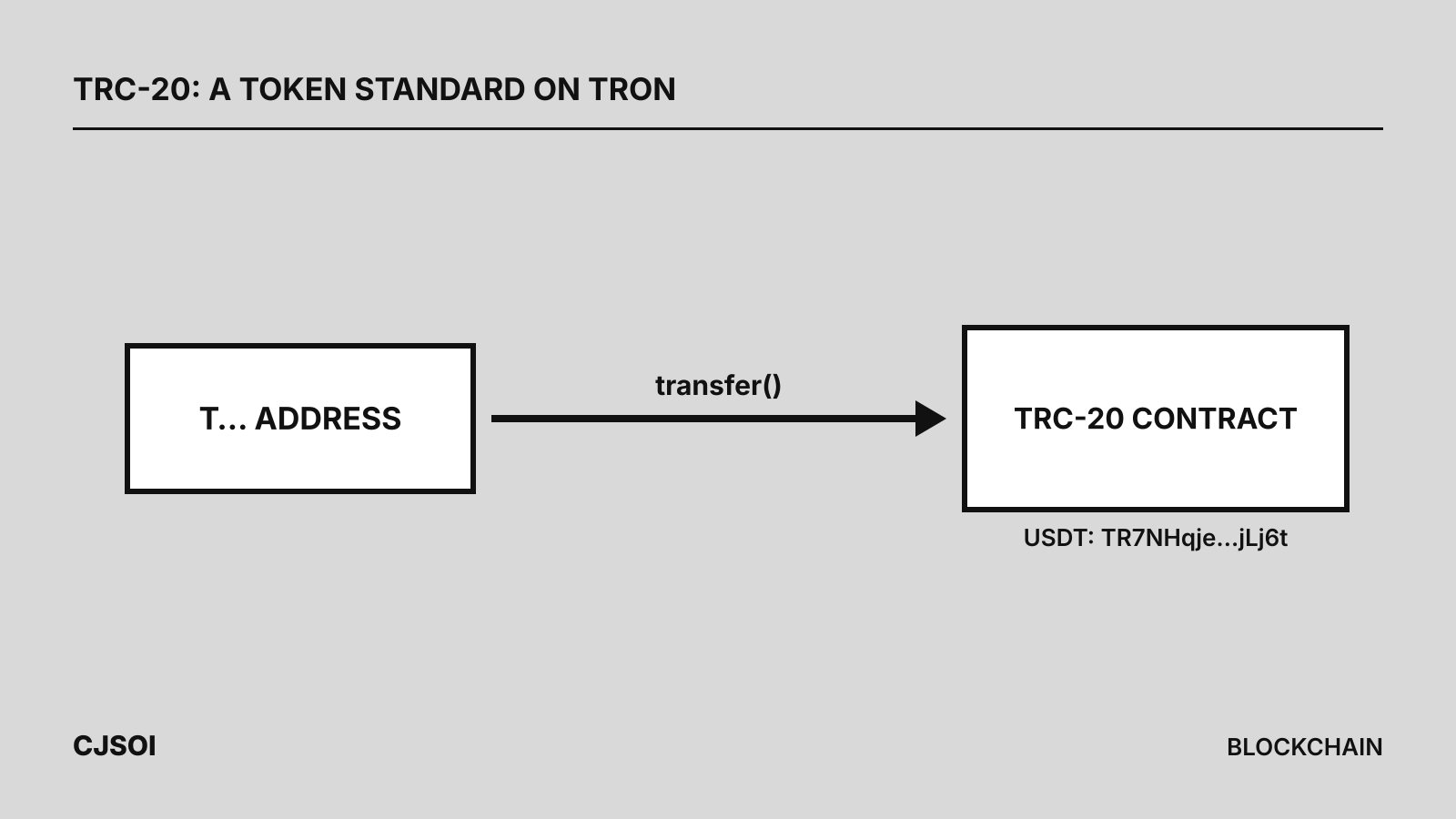
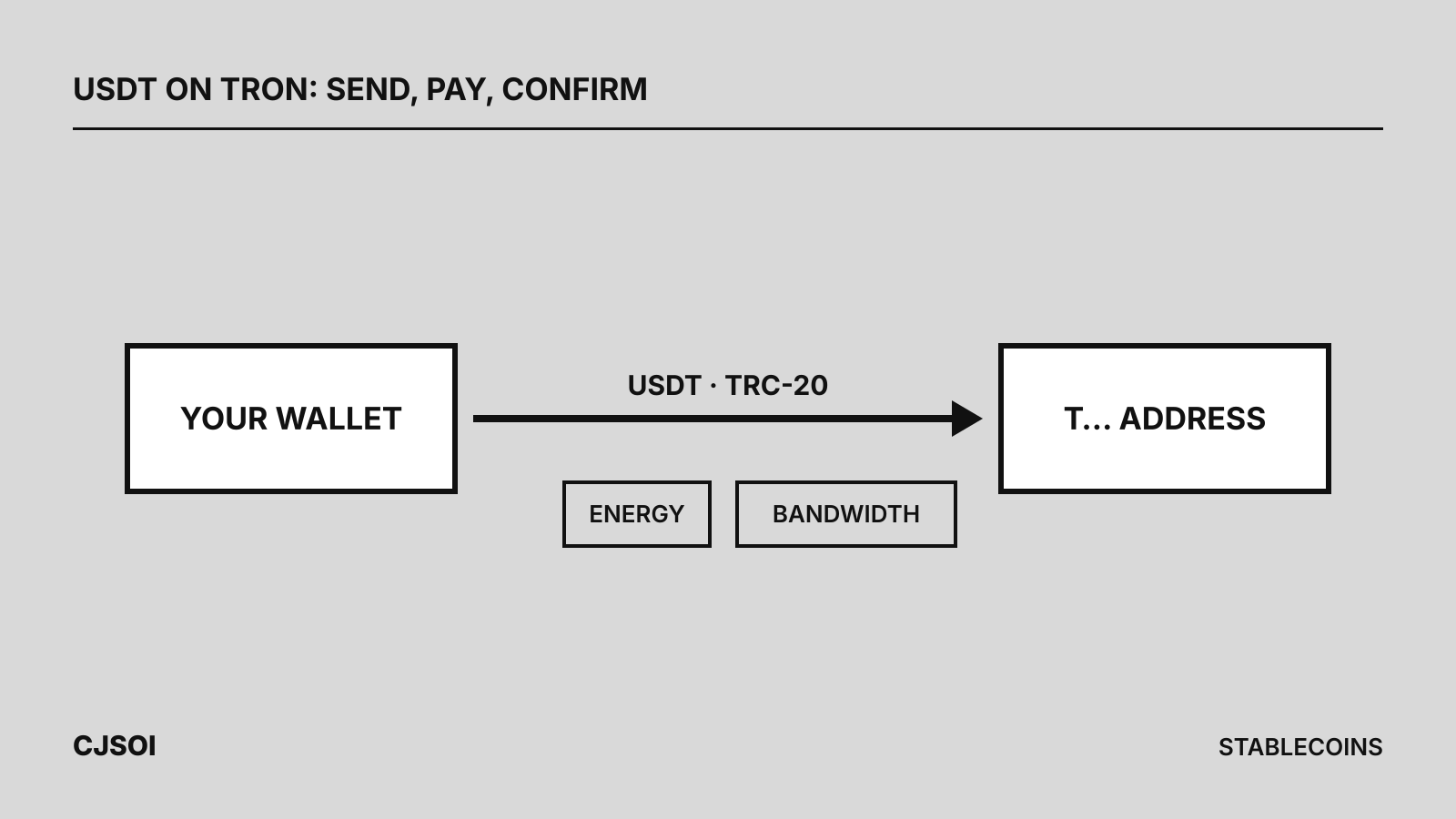
A USDT transfer calls the TRC-20 contract TR7NHqjeKQxGTCi8q8ZY4pL8otSzgjLj6t, so it needs Energy, which has no free quota. It comes from staked or delegated TRX, or the network burns TRX at 100 sun (0.0001 TRX) per unit. If neither covers it, execution stops. For background, see what TRC-20 is and Energy vs. Bandwidth.
Why a failed USDT transfer still costs TRX
The TVM charges for each instruction as it runs, and block producers have already done that work when the limit is hit. TRONSCAN’s support center puts it plainly: the Bandwidth and Energy a failed transaction consumed “cannot be reverted.” Its failed-transaction article adds that the tokens you tried to send “will not be deducted but will remain in the sender’s wallet address,” while the fee is still charged.
Two causes: fee_limit too low, or not enough TRX
The FeeLimit & Energy cost docs give the formula the node uses for the Energy a caller can cover:
min(staked Energy + TRX balance / 100 sun, fee_limit / 100 sun)
TRONSCAN lists the same two causes:
fee_limittoo low.fee_limitis a per-transaction cap in sun (1 TRX = 1,000,000 sun) on what the caller will spend on Energy. A low cap fails a transfer even when the wallet holds plenty of TRX. The docs flag a common mistake: entering TRX instead of sun, so afee_limitof 100 authorizes 0.0001 TRX. The maximum is 15,000 TRX.- Not enough Energy or TRX. The address has too little Energy and too little TRX to burn for the rest. This is the usual case for wallets holding USDT and a few TRX.
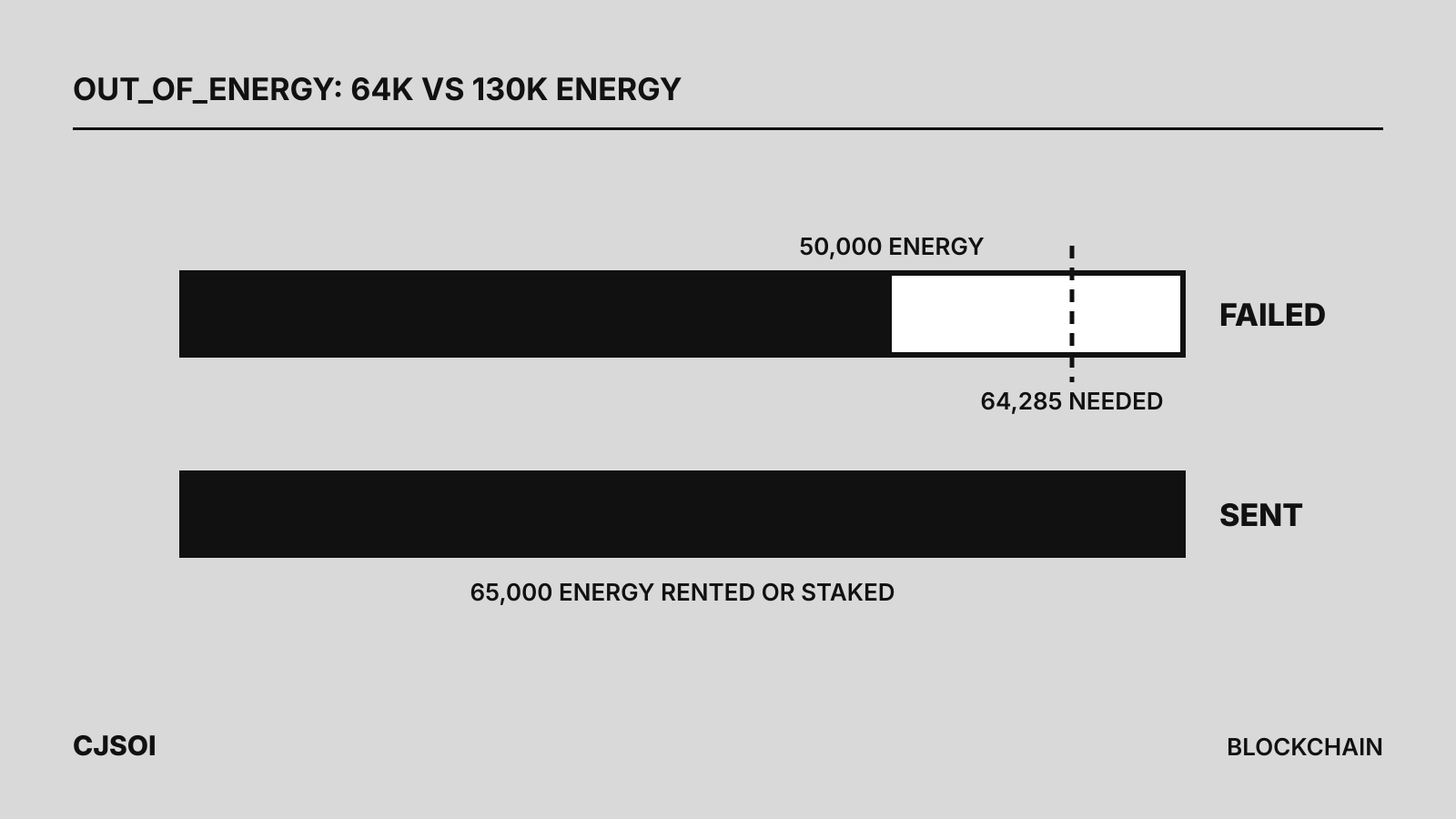
Worked example (calculation). A wallet with no Energy and 5 TRX sends USDT to an existing holder. 5,000,000 sun ÷ 100 = 50,000 Energy, short of the roughly 64,285 needed, so execution stops there and about 5 TRX is burned. A wallet with 50 TRX and a 5 TRX fee_limit fails the same way.
How much Energy a USDT transfer needs
The TRON docs give two figures for USDT, with linked example transactions:
| Recipient | Energy (docs) | Example transaction | Burn cost with no Energy (calculation) |
|---|---|---|---|
| Already holds USDT | ~64,000 | 64,285 | 64,285 × 100 sun = about 6.43 TRX |
| Has never held USDT (balance 0) | ~130,000 | 130,285 | 130,285 × 100 sun = about 13.03 TRX |
The new-holder case costs more because writing to an empty storage slot costs 20,000 Energy instead of 5,000. The Dynamic Energy Model then multiplies both: USDT currently sits at the maximum factor, 4.4 times base Energy, recalculated every six-hour cycle.
Each transfer also uses about 345 Bandwidth. The free 600 per day covers one; beyond that the network burns about 0.345 TRX (calculation: 345 × 1,000 sun), so keep some TRX even when you rent Energy.
Fix 1: Top up TRX and resend
Send TRX to the address and retry. The network burns about 6.43 TRX for a transfer to an existing holder or about 13.03 TRX to a new one, plus Bandwidth if needed, so the fee_limit must be above that. It is the most expensive option but needs no third party.
Fix 2: Rent Energy for the retry
Rental services delegate Energy from their own staked TRX to your address, usually for one hour, through Stake 2.0 delegation. The transfer uses it instead of burning TRX. Rent to the sender’s address, the one that got the error, and size it by the recipient:
- 65,000 Energy covers a transfer to an address that already holds USDT (64,285 in the example).
- 131,000 Energy covers a first transfer to an address with a zero USDT balance (130,285 in the example). If you are not sure, 131,000 is the safe choice.
Check that the sending address is activated (it has received TRX at least once). TronZap’s API rejects unactivated addresses with an “address not activated” error, and TronZap and Netts both sell activation. How services describe their flow on their own sites:
- TronZap: its FAQ says an
OUT_OF_ENERGYerror “means the sender’s wallet doesn’t have enough Energy,” and advises renting the required amount to the sender’s address and retrying the transfer. For quick rental without registration, you send TRX to the address shown on its homepage. Energy is calculated from the amount sent, “arrives within a minute and lasts 1 hour.” It also rents Bandwidth and Energy-plus-Bandwidth bundles. - CatFee: you send TRX to its address. Energy goes to the sending address, or to an address written in the memo, and must be used “within 1 hour after receipt.”
- Netts: you send TRX or USDT to its rent address and 65,000 Energy is delegated for one hour. The site currently directs orders to its Telegram bot.
The TRON docs also point to the JustLend Energy Rental market. In late September 2026, 65,000 Energy for an hour cost about 1.1 to 3.1 TRX; current prices are in the TRON energy comparison. Send the USDT within the rental window.
Fix 3: Stake TRX for Energy
Staking TRX under Stake 2.0 gives the address its own Energy, refilled over a rolling 24 hours. The TRX is not spent, but unstaking takes 14 days. At current network totals one staked TRX yields about 9.7 Energy a day (the figure drifts), so one daily transfer to an existing holder needs roughly 64,285 ÷ 9.7 ≈ 6,600 TRX staked (calculation). For occasional transfers, renting costs far less up front.
Fix 4: Raise fee_limit where your wallet allows it
If the burn stopped at the fee_limit rather than your balance, raise the limit and resend:
- Many consumer wallets set
fee_limitautomatically and don’t show it. - TronLink’s command-line tool accepts
--fee-limitin TRX, with a default of 100, for TRC-20 transfers. - In code (TronWeb, HTTP API),
feeLimitgoes on the transaction in sun. The TRON docs recommend estimating first withwallet/estimateenergyorwallet/triggerconstantcontract.
fee_limit is a cap, not a charge: you pay only for Energy used. A limit above about 13.1 TRX covers the new-holder example.
How to check the failed transaction on TRONSCAN
Search the transaction hash (TXID) on TRONSCAN. The page shows the result and the Energy and Bandwidth consumed; the node API gettransactioninfobyid returns the same data:
receipt.resultreadsOUT_OF_ENERGYenergy_usage_totalis the Energy consumed before the stopenergy_feeis the TRX burned for Energy, in sunfeeis the total TRX deducted, in sun
Compare the burn with the transaction’s fee_limit and your prior TRX balance. If it equals the fee_limit, the cap was too low (Fix 4); if it roughly equals your balance, you ran out of TRX (Fixes 1 to 3). Your USDT balance should be unchanged.
For the full process, see how to send USDT on TRON; for fees across networks, see payment cost and network selection.